Television buying guide for screen size and media furniture fit

Start with the room, not the spec sheet
A useful television buying guide starts with the room where the TV will be used. The best choice is not simply the largest screen or the newest panel name. It is the combination of screen size, display technology, stand layout, mounting plan, ports, energy use, and safety details that works in that specific space.
Before comparing model numbers, measure the viewing distance, furniture width, wall strength, cable route, and lighting. This applies to a living room, bedroom, rental apartment, or custom media wall. A TV that looks impressive online can become awkward in practice if its feet do not fit the console, the screen sits too high, or the ports are blocked inside cabinetry.
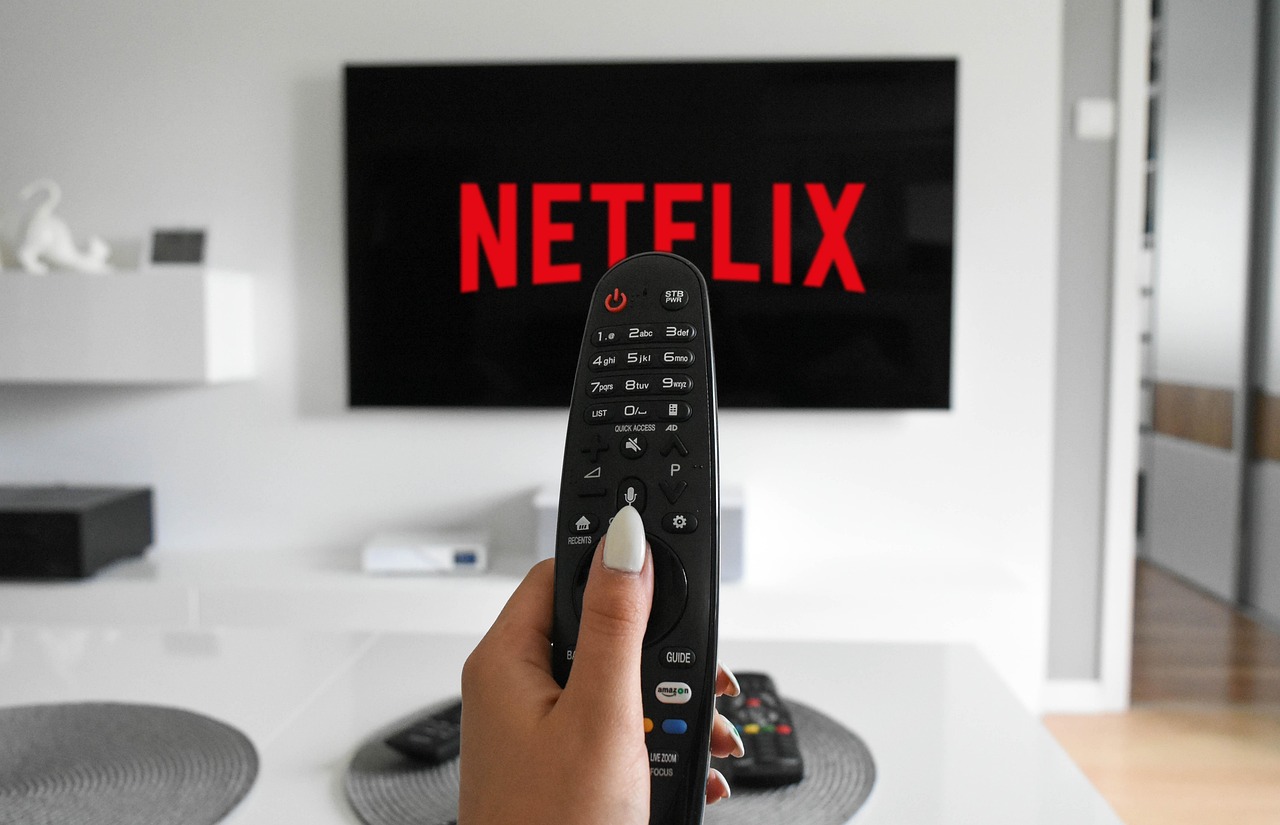
This guide focuses on buying decisions that affect both viewing quality and furniture planning. If you are comparing other household products or room upgrades, you can also browse our buying guides.
Measure the space before choosing a screen size
Screen size is usually the first decision, but it should be based on distance and placement. A 4K television lets viewers sit closer than older lower-resolution TVs because the pixel structure is less obvious. Comfort still matters, though. If the screen fills too much of your field of view, sports, subtitles, games, and fast camera movement can feel tiring. If it is too small, 4K detail and HDR impact are harder to appreciate.
For many living rooms, 55-inch to 65-inch models suit moderate seating distances. Screens of 75 inches and larger tend to work better in open-plan rooms or dedicated media spaces. Bedrooms, kitchens, and compact apartments may be better served by 32-inch to 50-inch TVs, especially where the screen shares space with storage, windows, or doors.
Check the furniture width and the TV feet
Do not assume a TV will fit because the diagonal screen size matches the console. The diagonal measurement does not show the actual width of the set, the spread of the feet, or the depth needed for a safe stance. Some TVs use narrow center stands, while others place feet near the far left and right edges. Before buying, compare three numbers: the TV width, the distance between the feet, and the usable top surface of the media console.
The console should be designed to hold a television, support the listed weight of the TV, and leave space for ventilation, cable bends, and soundbar placement. If the furniture is part of a built-in wall unit, also measure side clearance, shelf height, and service access. A tight cabinet can make ports hard to reach and may trap heat around streaming devices, game consoles, or AV receivers.
Set the screen at a comfortable height
As a practical furniture rule, the center of the screen should be close to seated eye level for everyday viewing. Fireplaces, tall cabinets, and decorative wall panels often push TVs too high. If a high mount is unavoidable, consider a tilting mount and a seating layout that reduces neck strain. For low-profile media furniture, confirm that the stand or mount does not place the screen below the sightline when people recline or when a coffee table blocks the lower part of the picture.
Choose the panel type for your lighting and habits
TV marketing terms can overlap, so it helps to separate the main display categories. Most TVs are LCD televisions with LED backlighting. QLED generally refers to an LCD TV using quantum-dot color technology. Mini-LED is also an LCD approach, but it uses smaller LEDs and more local dimming zones to improve contrast and brightness control. OLED is different because each pixel produces its own light and does not need a backlight.
| Panel type | Where it tends to fit well | What to check before buying |
|---|---|---|
| LED or standard LCD | Budget rooms, bedrooms, casual viewing, smaller screens | Brightness, viewing angle, motion handling, and whether the panel looks washed out from side seats |
| QLED LCD | Bright rooms where stronger color and brightness matter | Backlight quality, local dimming performance, and reflections |
| Mini-LED LCD | Large living rooms, sports, daytime viewing, mixed family use | Blooming around bright objects, dimming zone behavior, and off-angle viewing |
| OLED | Movie rooms, darker spaces, wide seating, viewers who value black levels | Peak brightness, static-image precautions, screen size availability, and price |
OLED can produce excellent black levels because pixels can turn off individually. Mini-LED LCD can be a strong alternative for bright rooms because high brightness helps overcome daylight and reflections. Standard LED/LCD models can still make sense when the priority is price, a secondary room, or simple streaming. The main point is to match the TV to real use: a sunny family room, a dark movie space, a gaming setup, and a kitchen wall do not need the same panel.
Understand resolution, HDR, and motion before paying more
For most buyers, 4K is the practical resolution target. It is widely supported by streaming services, Blu-ray players, game consoles, and current TV lineups. 8K sets have more pixels, but the value depends on screen size, seating distance, content availability, and price. If the budget is limited, a higher-quality 4K TV is usually a more balanced purchase than a lower-tier 8K model bought mainly for the number on the box.
HDR, or high dynamic range, can matter more than resolution once you are already buying 4K. HDR performance depends on brightness, contrast, color volume, tone mapping, and format support. Common HDR labels include HDR10, HDR10+, Dolby Vision, and HLG. Source organizations such as Dolby and HDMI describe these formats as ways to carry wider brightness and color information, but a logo alone does not guarantee a great picture. A dim TV can accept an HDR signal and still deliver limited HDR impact.
Refresh rate and motion
Motion performance matters for sports, gaming, and fast action. A true 120 Hz panel is useful for current game consoles and smoother motion options, but some product pages use motion-rate language that is not the same as native panel refresh. Look for the native refresh rate, not only the marketing term. Also check whether motion smoothing can be adjusted or turned off, because some viewers dislike the overly smooth effect it can add to films.
Verify ports, gaming features, and sound connections
Ports are easy to overlook until the TV is installed inside a cabinet. Count what you will actually connect: a streaming device, cable box, game console, soundbar, Blu-ray player, antenna, or AV receiver. Side-facing ports are easier to reach in built-ins and tight wall mounts, while rear-facing ports may need extra cable clearance.
HDMI 2.1 features are especially important for gamers and home theater users. The HDMI Forum lists features such as 4K at 120 Hz, variable refresh rate, auto low latency mode, enhanced audio return channel, and higher-bandwidth cables within the HDMI 2.1 family. In practical buying terms, do not rely only on the version label. Confirm the exact features and how many ports support them. A household with two current consoles and a soundbar may need more high-bandwidth HDMI ports than a casual streaming setup. See also: built-in furniture.
When eARC matters
If you plan to use a soundbar or receiver, check for eARC. It can simplify wiring because audio can return from the TV to the audio system through HDMI. This is helpful when the TV is the central hub for streaming apps and connected sources. For furniture planning, leave enough room for the HDMI cable bend behind the TV or inside the console. A cable squeezed sharply against a cabinet back can loosen over time.
Broadcast and antenna buyers
If you watch free over-the-air channels, check tuner support. ATSC describes ATSC 3.0, marketed as NEXTGEN TV, as a next-generation terrestrial broadcast system with potential improvements in picture, audio, compression, accessibility, and interactivity. Availability is market-based and not every TV includes an ATSC 3.0 tuner, so antenna users should verify local coverage and model specifications rather than treating it as automatic.
Do not ignore energy labels, safety, and installation
Energy use rises with screen size, brightness, viewing hours, and picture settings. The U.S. FTC says EnergyGuide labels for televisions show estimated yearly energy cost and energy use based on standardized test procedures, while actual cost depends on use and local electricity rates. ENERGY STAR states that certified televisions must meet power requirements, including very low sleep-mode power. For buyers, the practical step is to compare the yellow EnergyGuide label, then set the TV to a comfortable brightness instead of leaving it permanently in a vivid store mode.
Safety is part of the buying decision, especially when a TV sits on furniture. The U.S. Consumer Product Safety Commission advises that televisions should be placed only on furniture designed to hold a TV, and that TVs not wall mounted should still be anchored. This is particularly important in homes with children, pets, or high-traffic living rooms. A wide console, anti-tip hardware, and a stable mount are not accessories to think about later; they are part of the installation plan.
Wall mounting and VESA patterns
Most flat-panel TVs list a VESA mounting pattern and weight. Match both to the wall mount. Also match the mount to the wall structure, not just the TV. Drywall alone is not enough for many installations; mounting usually needs studs, masonry anchors, or another structure suitable for the load. If you are designing a built-in entertainment wall, plan the mount location, power access, low-voltage cable path, ventilation openings, and future service access before the cabinetry is finished.
A practical buying checklist
- Room size: Measure viewing distance and decide whether the TV should dominate the room or blend into the furniture.
- Furniture fit: Confirm TV width, foot spacing, stand depth, console load rating, and soundbar space.
- Lighting: Choose brighter LCD, QLED, or Mini-LED options for sunny rooms; consider OLED for darker movie-focused rooms.
- Resolution: Treat 4K as the mainstream choice unless you have a clear reason, budget, and screen size for 8K.
- HDR: Look beyond the logo and check real brightness, contrast, and format compatibility with your sources.
- Gaming: Verify native 120 Hz, 4K/120 support, VRR, ALLM, input lag information, and enough compatible HDMI ports.
- Audio: Check eARC if a soundbar or receiver will be used.
- Energy: Compare EnergyGuide labels and ENERGY STAR certification when operating cost matters.
- Safety: Anchor freestanding TVs and furniture, and use a mount rated for the TV weight and wall type.
Common mistakes to avoid
The most common mistake is buying by screen size alone. A very large TV can disappoint if it has poor contrast, weak brightness, bad reflections, or a stand that barely fits the console. The second mistake is treating all HDMI ports as equal. If gaming or eARC matters, verify the feature list for each port. The third mistake is designing furniture around the screen opening only. A good media setup also needs airflow, cable access, room for devices, and a safe way to anchor the TV or furniture.
Another frequent issue is ignoring viewing angle. Some LCD TVs look strong from the center but lose contrast and color from the side. That may be acceptable for a narrow sofa directly in front of the screen, but not for a sectional, open-plan room, or dining area where people watch from different positions. Finally, avoid paying for features that do not match your sources. If you mostly watch news and casual streaming in a bright room, practical brightness and reflection handling may matter more than premium cinema features.
Frequently asked questions
What size TV should I buy for a living room?
Start with viewing distance, furniture width, and comfort. Many living rooms work well with 55-inch to 65-inch TVs, while larger rooms can justify 75-inch and larger models. The TV should fit the console or wall opening safely, and the center of the screen should remain comfortable from the main seats.
Is OLED or Mini-LED better?
Neither is better for every room. OLED is strong for black levels, contrast, and movie viewing in controlled lighting. Mini-LED LCD is often a better match for bright rooms, daytime sports, and users who want high brightness. Choose by lighting, seating angle, content type, and budget.
Do I need an 8K TV?
Most buyers do not need 8K. A well-performing 4K TV is usually the more practical choice because 4K content is widely available and the benefits of 8K depend on very large screens, close seating, and suitable content.
How important is the TV stand or media console?
It is very important. The furniture must support the TV weight, provide enough width and depth for the feet, allow cable routing, and reduce tip-over risk. If the TV is not wall mounted, anchoring the TV and furniture is a sensible safety step.
What should gamers check before buying a TV?
Gamers should verify a true 120 Hz panel, 4K/120 support, VRR, ALLM, low input lag, and the number of HDMI ports that support those features. Also plan furniture and cable access so consoles have ventilation and are easy to connect.